
Purl
A downloadable Purl for Windows, macOS, and Linux
What is Purl?
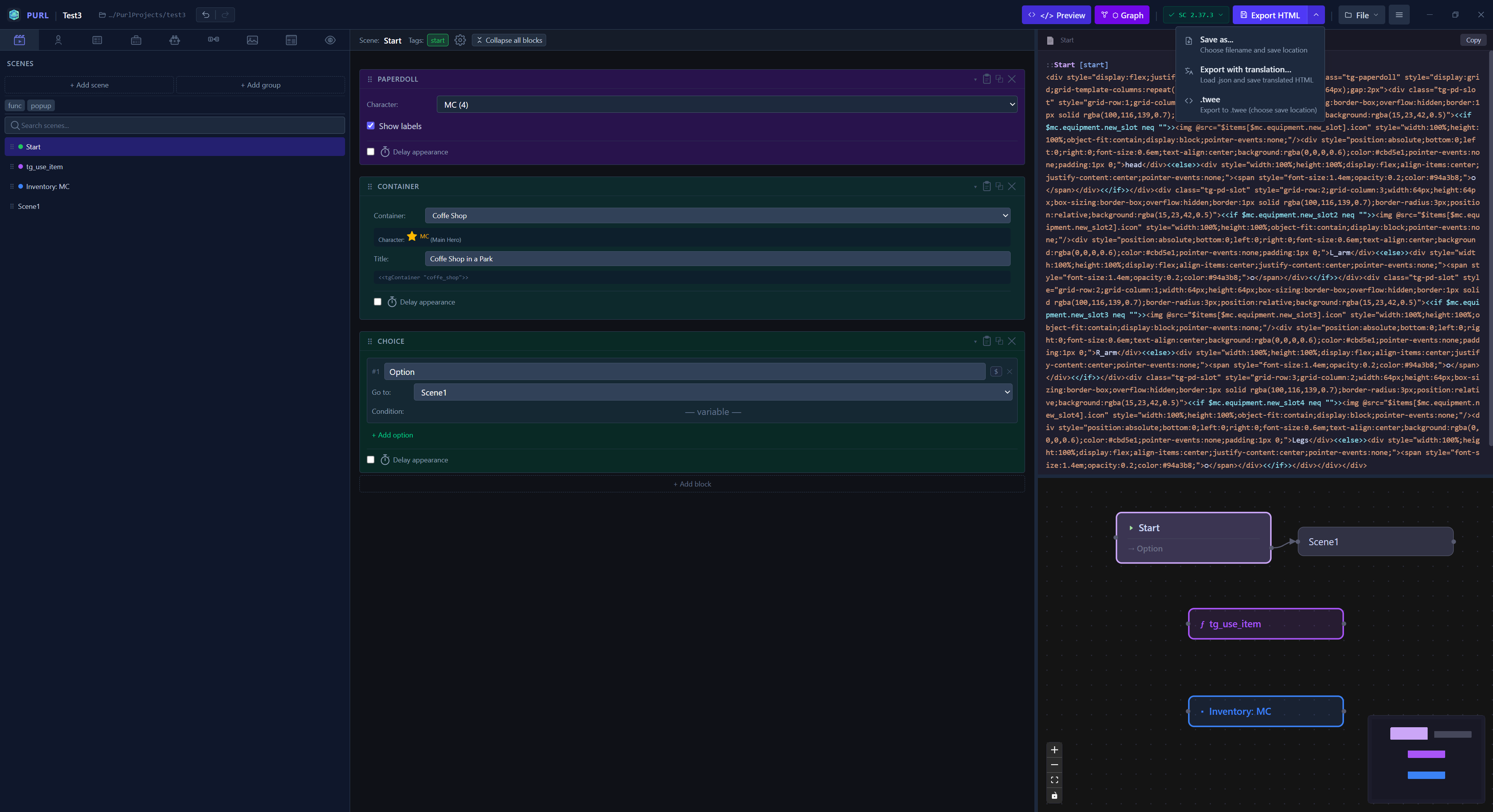
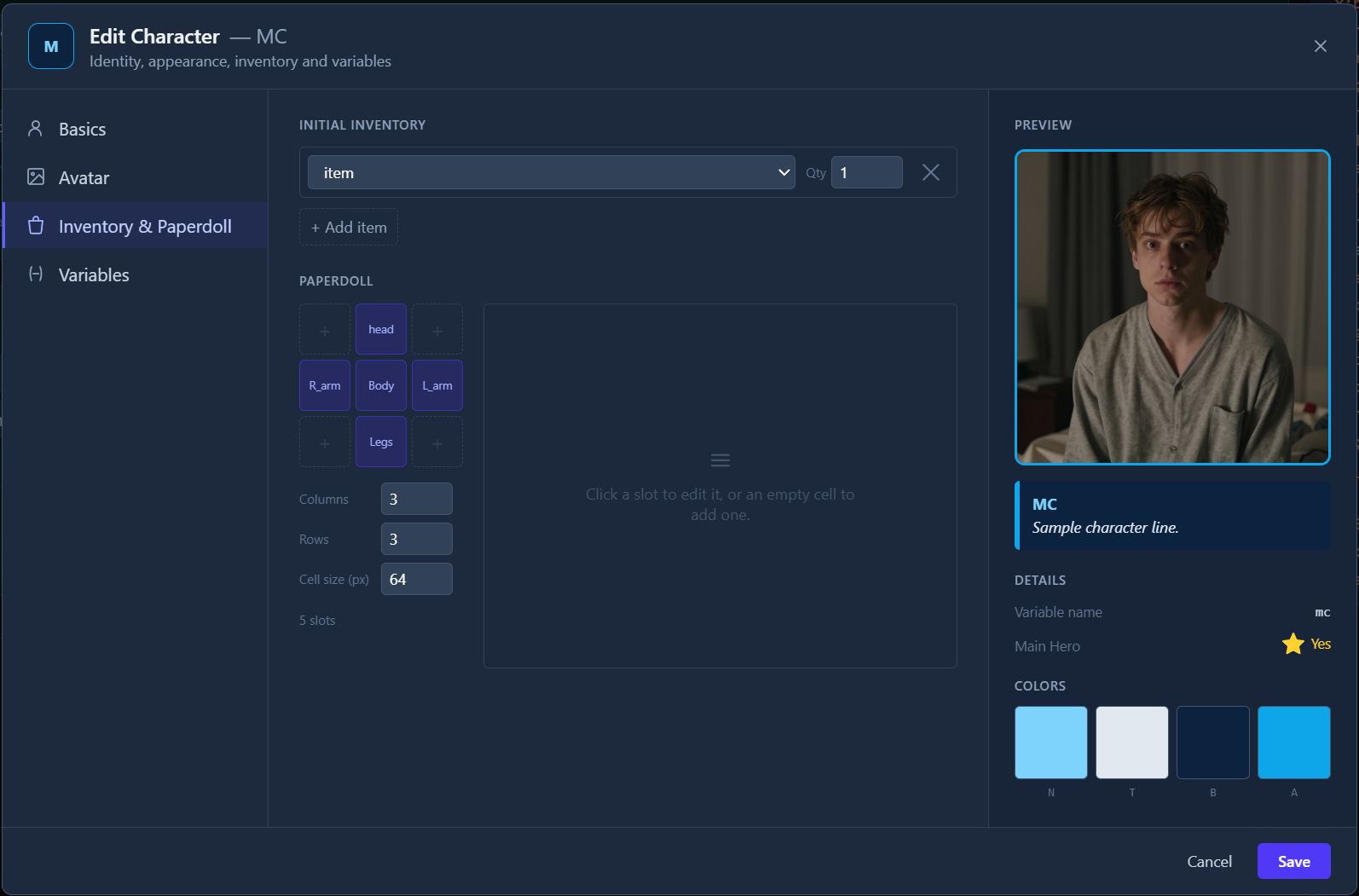
Purl is a desktop app for Windows, macOS and Linux that lets you create interactive fiction and visual novels in SugarCube 2 format without writing code. Build your story from visual blocks, and Purl generates a ready-to-use .twee file for Tweego or Twine, or .html file and assets directory.
I developed this app for myself because I don't like writing code while I'm writing a story.
I'm from Ukraine, and we have some difficulties with payment system support here. So, if anyone would like to support the project, please do so through the app's website.
New version (1.24.6): see in devlog
I would be very grateful for ratings and reviews, they can help make Purl better.
Download
Install instructions
To enable exporting to `.html` and `.twee`, you must first provide the SugarCube 2 runtime to the application. This is a one-time setup process.
1. Download SugarCube 2: Go to the official SugarCube 2 website and download the latest version.
2. Extract the Archive: Unzip the downloaded file to a location on your computer.
3. Import the Runtime:
- In Purl, locate and click the "+SC Runtime" button in the application header.
- In the file dialog that opens, navigate to the folder where you extracted SugarCube and select the `format.js` file.
Once imported, the export functionality will be fully enabled.
Development log
- A Huge update!!!94 days ago
- Purl. New Version 1.15.2Mar 31, 2026
- New versionMar 30, 2026
- PurlMar 27, 2026
Leave a comment
Log in with itch.io to leave a comment.